Field report · · AgentConn Team
Vercel's agent-desktop and the Computer-Use Land Grab
Vercel's agent-desktop hit 13K stars in days. Here's why the OS accessibility layer — not screenshots — is the real computer-use battleground.
Vercel’s agent-desktop and the Computer-Use Land Grab
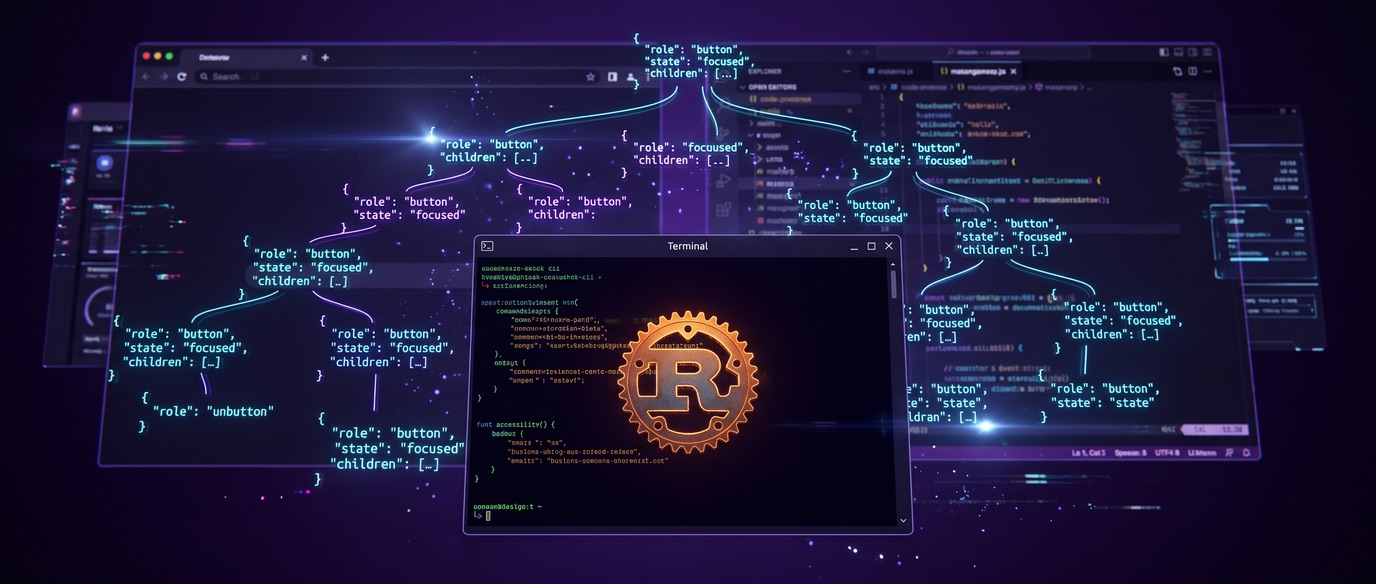
On October 30, 2026, Vercel Labs quietly shipped agent-desktop — a Rust CLI and C library that lets AI agents operate any desktop application through the operating system’s accessibility tree. No screenshots. No pixel-guessing. No model baked in. Just structured JSON with a ref for every clickable element.
Within days, the repo had rocketed past 13,000 GitHub stars and 900 forks. That kind of velocity — roughly 3,800 stars in the first 24 hours — doesn’t happen for incremental developer tooling. It happens when a project lands squarely on a nerve the industry has been pressing for months: who owns the layer between AI agents and the operating system?
That question is the real story here. Not the tool itself — though it’s impressively engineered — but what its explosive reception reveals about where the computer-use infrastructure war is heading.
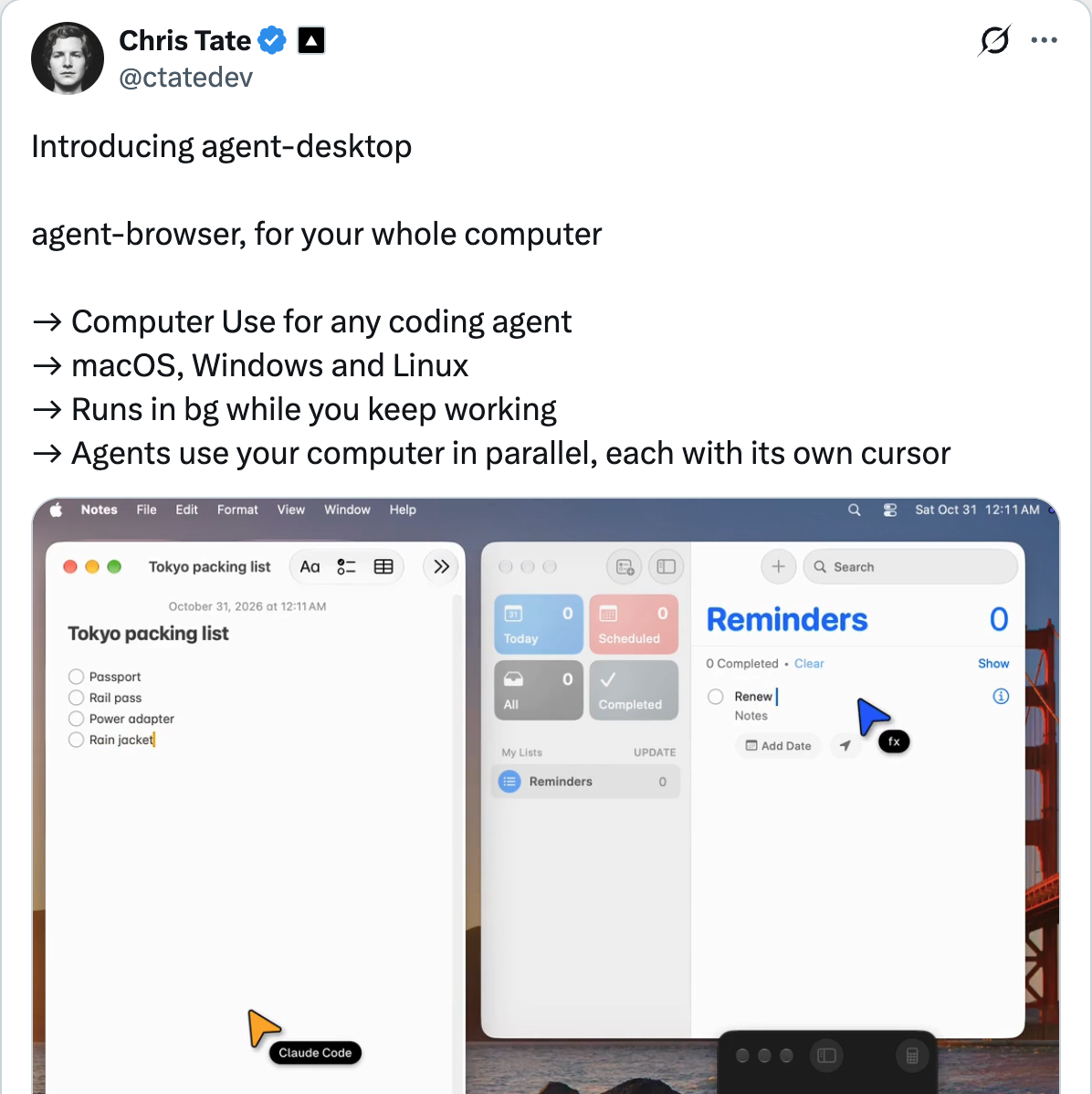
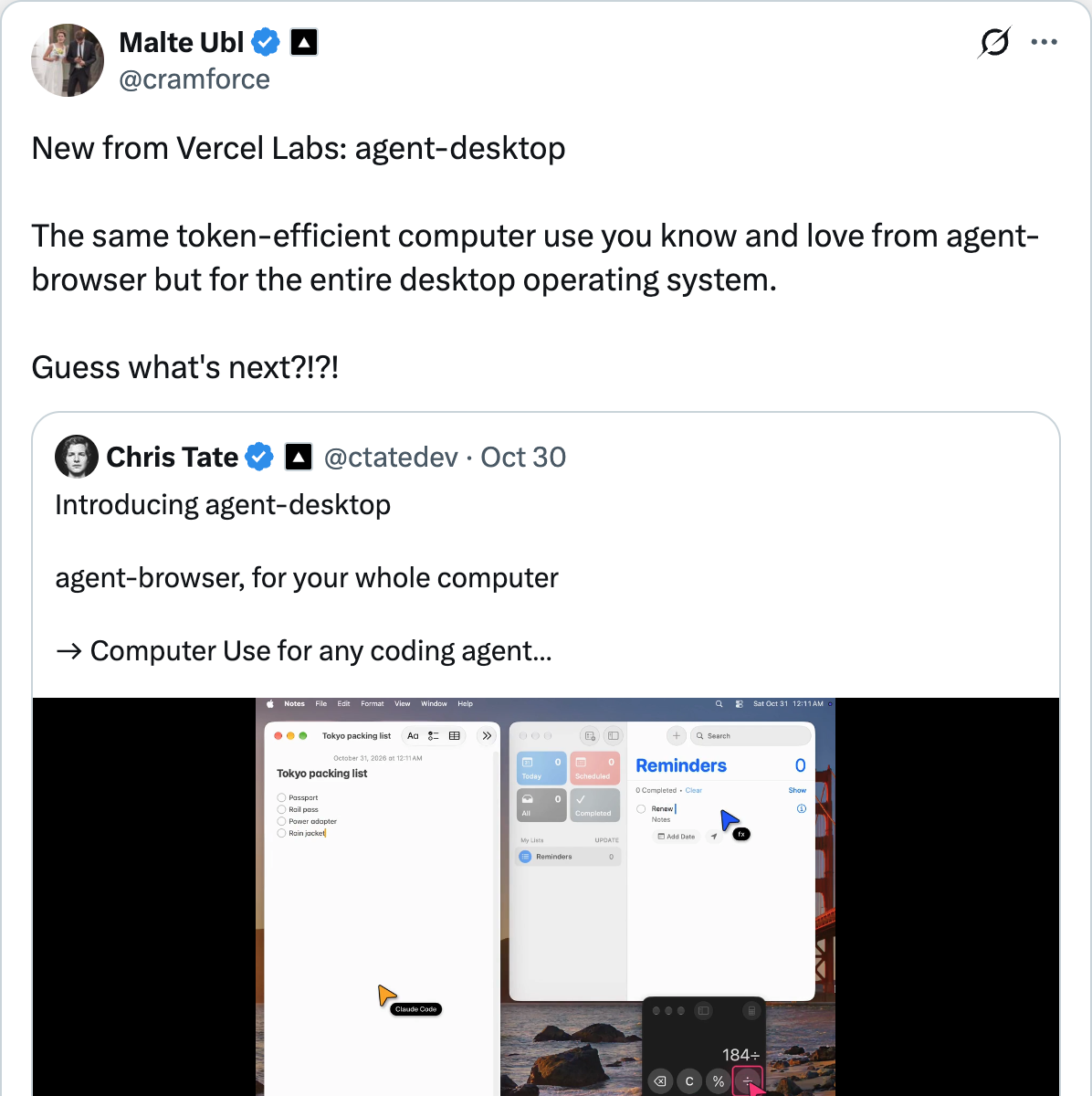
Chris Tate, the Vercel engineer behind the project, framed it simply: “agent-browser, for your whole computer.”
What agent-desktop Actually Is
Strip away the hype and agent-desktop is a command-line tool that does three things in a loop:
- Snapshot — read an app’s UI through the OS accessibility layer, returning a JSON tree where every interactive element has a unique ref
- Act — click, type, scroll, or otherwise interact with a specific ref
- Verify — take another snapshot to confirm the action landed
That’s it. The agent’s model runs elsewhere. The tool embeds no LLM, has no GUI, and makes no decisions. It’s pure infrastructure — a bridge between an agent’s intent and the operating system’s native controls.
# Install globally
npm install -g agent-desktop

# Snapshot an app interactively
agent-desktop snapshot --app Finder -i

# Click a specific element
agent-desktop click @s8f3k2p9:e8
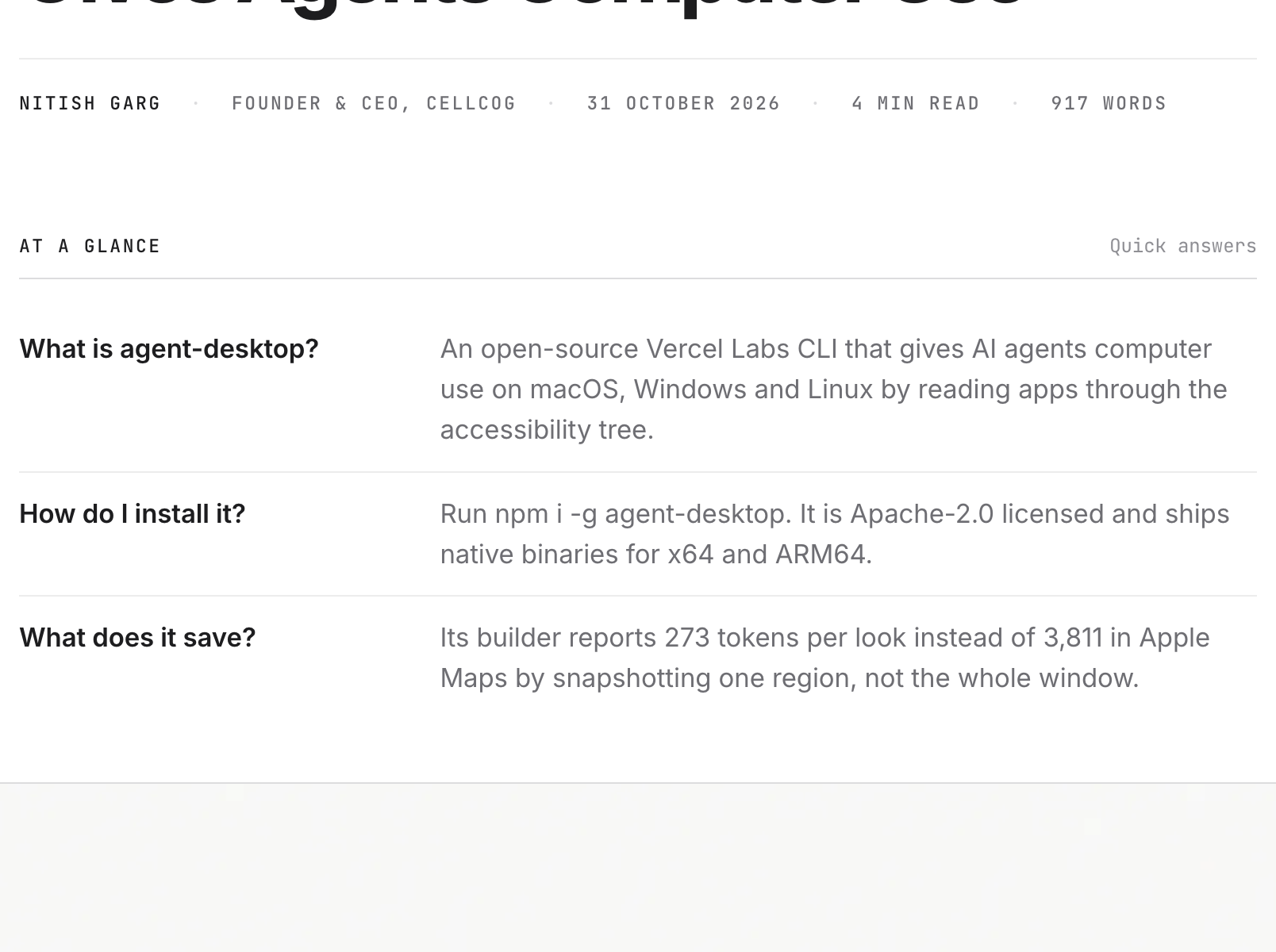
The key architectural choice: accessibility tree over screenshots. Instead of sending a 3,811-token screenshot of Apple Maps to the model, agent-desktop’s region snapshot returns 273 tokens of structured JSON. In a simulated 52-step task, Vercel Labs reports total token usage of 31K versus 198K for the screenshot approach — a roughly 84% reduction.
Platform support spans macOS 13+ (AX API), Windows 10 1809+ (UI Automation), and Ubuntu 24.04+ (AT-SPI), on both x64 and ARM64. The tool ships under Apache-2.0, and agent-desktop mcp exposes every command as an MCP tool over stdio — meaning any agent framework that speaks MCP can drive it without a single line of integration code.
As Dev.to coverage noted, v1.0.2 marked the formal launch — adding a docs site and consolidating all agent instructions into a single AGENTS.md file, a pattern that signals Vercel expects agent frameworks to discover and configure the tool automatically.
Read the full Dev.to walkthrough →
CellCog’s technical analysis breaks down the “skeleton drilling” technique in detail: the agent maps the full window once, identifies the relevant region, then works inside that region at dramatically lower token cost. Their assessment also highlights the privacy implications — snapshots, clipboard reads, and debug output can contain sensitive desktop content, so agent transcripts should be treated as confidential.
Read CellCog’s full analysis →
The Accessibility Tree Bet
To understand why this matters, you need to understand what agent-desktop is replacing.
The dominant computer-use paradigm since Anthropic introduced it in October 2024 has been screenshot-based: the agent takes a screenshot, a vision-language model interprets the pixels, and the agent clicks coordinates. This works on everything — every app, every framework, every custom-drawn canvas. It’s also ruinously expensive, painfully slow, and fundamentally brittle. A button that moves three pixels between frames breaks the entire chain.
Agent-desktop flips the model. Instead of asking a VLM “what’s on screen?”, it asks the OS “what elements exist and what can I do with them?” The accessibility tree — originally built for screen readers and assistive technology — provides exactly the structured metadata that agents need: element roles, labels, states, and actionable refs.
The practical advantages are significant:
- Headless by default. Ref actions don’t move the physical pointer or take focus, so an agent can work while you use the same machine. Multiple agents can operate different apps simultaneously, each with its own cursor.
- Deterministic targeting. Clicking ref
@s8f3k2p9:e8always hits the same element, regardless of window position, DPI scaling, or display configuration. No coordinate math, no off-by-one pixel errors. - Error semantics. Failed actions return structured errors like
STALE_REForAMBIGUOUS_TARGETwith retry dispositions — the agent knows why something failed and whether retrying is safe. - Token efficiency. Text-based snapshots cost a fraction of what image-based screenshots require. At scale, across thousands of agent invocations per day, this is a material cost difference.
But the accessibility tree comes with a fundamental limitation: it only works when apps actually expose their UI through accessibility APIs. And that’s where the contrarian case gets interesting.
The Landscape: Who’s Fighting for This Layer
Agent-desktop didn’t emerge in a vacuum. The computer-use infrastructure space has been heating up all year, with every major player staking a claim.
The model providers are building vertically:
- Anthropic shipped Dispatch, their consumer desktop agent product, combining local computer-use with mobile delegation. Claude’s Computer Use went from under 15% OSWorld accuracy in late 2024 to 72.5% in early 2026.
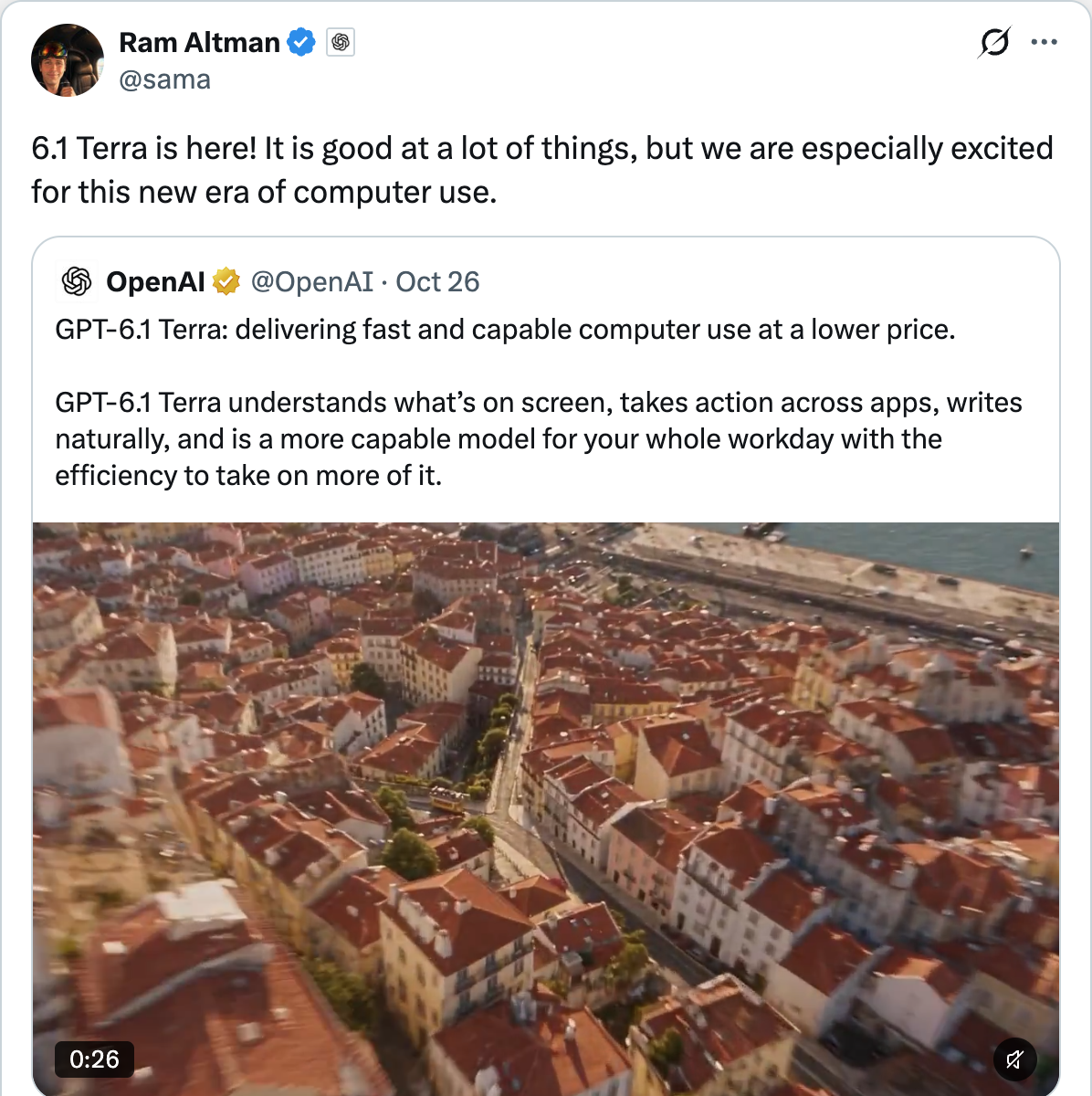
- OpenAI launched Operator (browser-first, January 2025), then extended desktop control into Codex with macOS support in April 2026. Sam Altman framed their latest as “a new era of computer use.”
- Google has Gemini Computer Use in preview, plus Project Mariner for browser automation.
The infrastructure players are building horizontally:
- Vercel Labs now has both agent-browser (web, 33K+ stars) and agent-desktop (native apps, 13K+ stars) — a full-stack computer-use toolkit that covers everything from the browser DOM to native OS controls. Malte Ubl, Vercel’s CTO, called it out directly:
- Cua (formerly Computer Use Agent) ships Cua Driver, an open-source framework that returns accessibility tree and screenshots together, with the agent trying accessibility actions first and falling back to pixel clicks. Their cua-bench-kicad benchmark showed that even the best frontier model (GPT-5.5) could only complete 6 of 25 expert tasks.
- UI-TARS Desktop from ByteDance takes the VLM-native approach, using a specialized vision model trained specifically for UI interaction.
- Deck positions itself as the enterprise infrastructure layer — authentication, governance, session management, and audit trails for computer-use agents at scale.
The market tells the story: computer-use agents are projected to grow from a $7.8B market in 2026 to over $52B by 2030, according to Deck’s industry analysis. Gartner projects 40% of enterprise apps will have embedded agents by end of 2026, up from under 5% in 2025. As MarkTechPost’s coverage highlighted, the lack of a shared independent benchmark is itself a competitive signal — the space is moving too fast for consensus measurement.
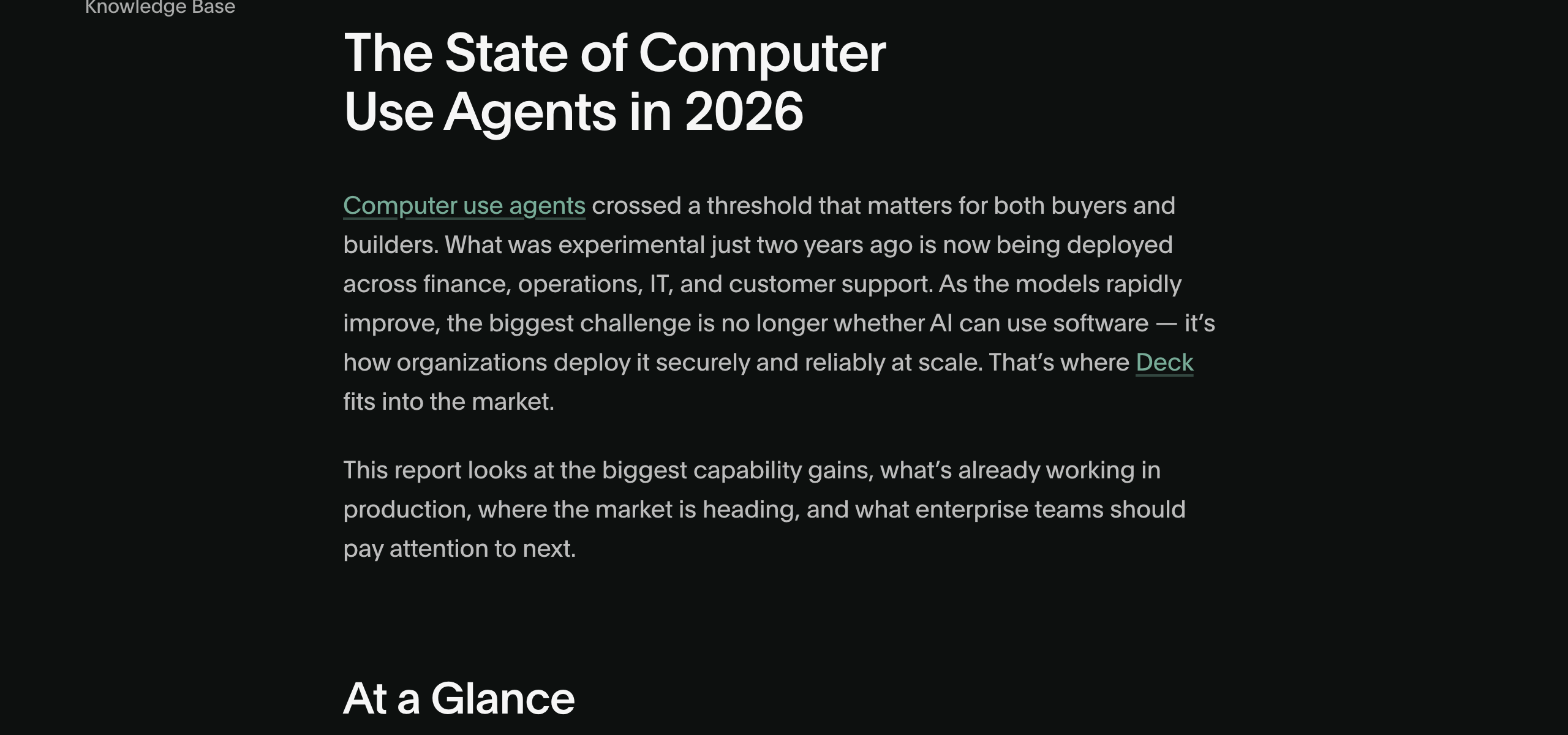
Read Deck’s full State of Computer Use report →
The Infrastructure Thesis: Why Vercel, Not Anthropic, Might Win This Layer
Here’s the non-obvious take: the model providers are building computer-use the wrong way around.
Anthropic’s Dispatch, OpenAI’s Codex, and Google’s Mariner all bundle computer-use into their model products. You get computer-use when you use their model. The capability is tightly coupled to the provider. Switch models and you lose desktop access.
Vercel is doing the opposite. Agent-desktop is model-agnostic infrastructure. It doesn’t care whether you’re running Claude, GPT, Gemini, Llama, or a fine-tuned open model. The tool returns JSON; the model interprets it. As Cua’s AI Engineer World’s Fair talk put it: “computer-use is becoming a tool inside coding agents — not a feature of the model itself.”
This mirrors a pattern we’ve seen before in the agent stack:
| Layer | Model-Coupled | Infrastructure |
|---|---|---|
| Code generation | GitHub Copilot (GPT) | Claude Code, Cursor (model-agnostic) |
| Browser automation | Operator (GPT) | Agent-browser, Playwright (model-agnostic) |
| Desktop automation | Dispatch (Claude), Codex (GPT) | agent-desktop (model-agnostic) |
The infrastructure play tends to win over time because it lets practitioners swap models as capabilities shift — and in 2026, capabilities are shifting fast. The best model for computer-use tasks last quarter might not be the best model next quarter. Teams locked into a specific provider’s computer-use implementation can’t benefit from that churn.
What the Community Is Saying
The Hacker News thread (99 points, 44 comments) for a similar accessibility-tree desktop tool surfaced the debates that will define this category.
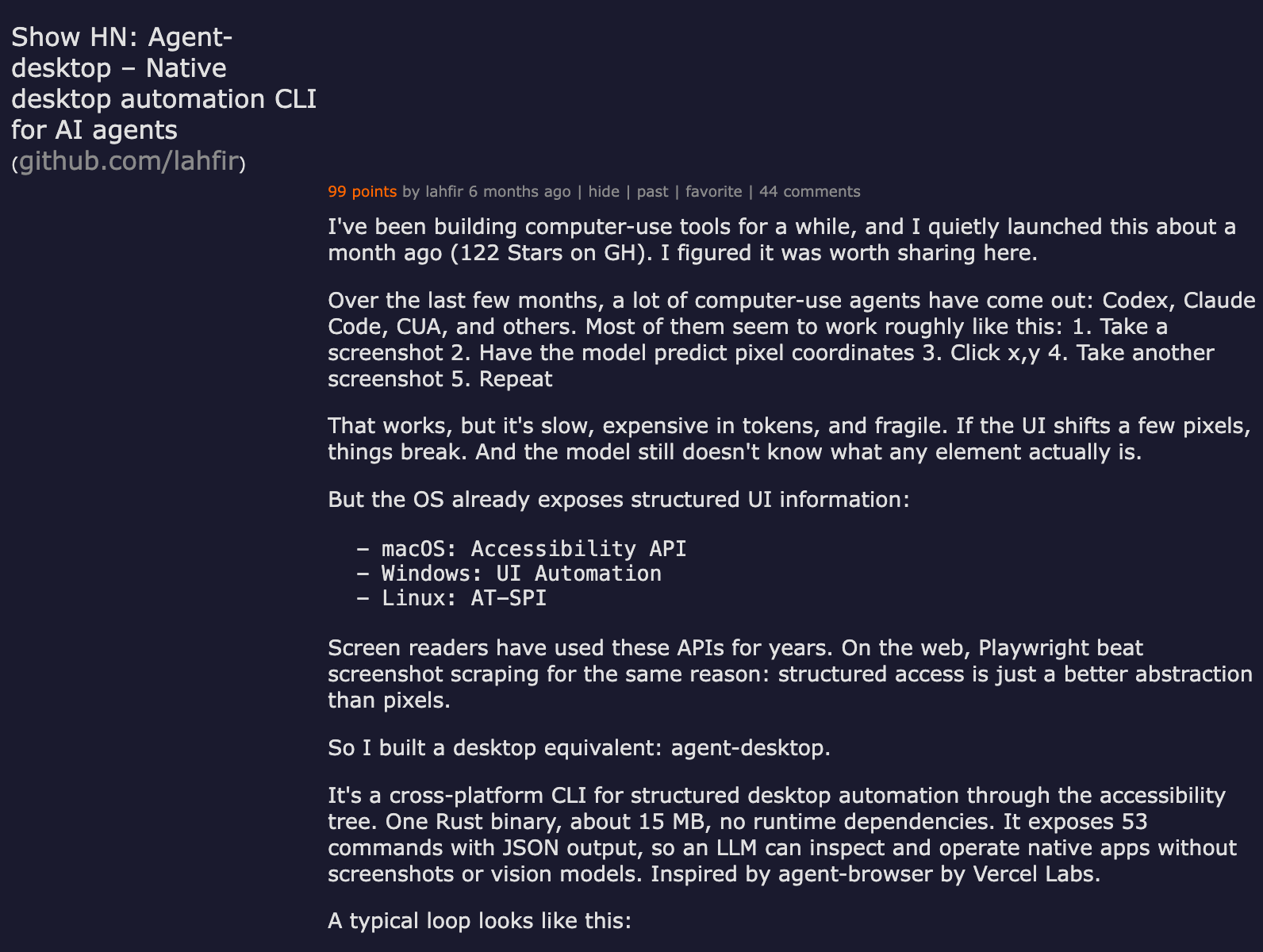
View full discussion on Hacker News →
The cross-platform reality check dominated the thread. While agent-desktop claims macOS, Windows, and Linux support, commenters pushed back hard on Linux’s AT-SPI implementation. One commenter noted AT-SPI support is “very hit or miss, mostly miss,” and another pointed out that Wayland’s security model makes accessibility introspection significantly harder than X11.
The custom UI problem is the elephant in the room. MattRogish on HN pointed out that macOS apps don’t have to implement accessibility APIs. Zoom’s custom-drawn controls, game UIs, and Electron apps with lazy-loaded content all expose partial or broken accessibility trees. As one commenter put it: the tool “works great on apps that already work great with screen readers” — which is a much smaller set than “all desktop apps.”
But the momentum is real. Multiple commenters reported building nearly identical tools, and one user mentioned xa11y, a cross-platform accessibility library covering Mac, Windows, X11, and Wayland. When several independent developers converge on the same abstraction at the same time, that’s a strong signal that the pattern is correct — even if the implementation details are still settling.
The Contrarian Corner: Why Screenshots Might Still Win
Here’s the uncomfortable truth about the accessibility tree approach:
Most software is accessibility-incomplete. Despite decades of accessibility standards, the majority of desktop applications — especially internal enterprise tools, custom Electron apps, and anything built with game engines or canvas-based frameworks — expose fragmented or empty accessibility trees. Agent-desktop returns nothing useful for these apps.
VLMs are getting cheaper faster than apps are getting more accessible. The cost of processing a screenshot has dropped roughly 10x in the past 18 months, and specialized computer-use VLMs (like ByteDance’s UI-TARS) are being trained specifically to interpret UI elements from pixels. As the Digital Applied decision matrix notes, the market is stratifying into model-layer, developer-tooling, and enterprise-infrastructure tiers — and the economic advantage of structured text over images is real today but shrinking.
The hybrid approach is already standard. Cua Driver — arguably the most battle-tested open-source option — returns both the accessibility tree and a screenshot for every observation. The agent tries structured actions first and falls back to pixel clicks when the tree is sparse. This belt-and-suspenders strategy handles the real world better than either approach alone.
The honest assessment: agent-desktop’s pure accessibility-tree approach is correct for the apps it covers and insufficient for the apps it doesn’t. The question is whether the coverage gap closes (more apps become accessible) or the alternative becomes good enough (VLMs match structured data on quality at comparable cost).
What This Means for You
If you’re building agents that interact with desktop applications, here’s what to evaluate now:
1. Test agent-desktop against your actual target apps. Don’t rely on the demo-friendly apps in the README. Run agent-desktop snapshot --app YourActualApp -i and check what the tree exposes. If critical UI elements are missing, you’ll need a fallback strategy.
2. Architect for hybrid from day one. The winning pattern is accessibility tree first, screenshot fallback second. Cua Driver already implements this. If you’re using agent-desktop directly, plan your own fallback path — agent-desktop screenshot exists for exactly this case.
3. Pay attention to the MCP integration. Agent-desktop exposing itself as an MCP server (agent-desktop mcp) is arguably more important than the CLI itself. It means any MCP-compatible agent framework — Claude Code, Cursor, or your custom harness — can drive desktop apps with zero integration code. That’s the kind of composability that wins infrastructure races.
4. Watch the token economics, but don’t over-index. The 78–96% savings sound dramatic, but the real question is cost-per-successful-task, not cost-per-token. If the accessibility tree fails on 20% of actions and each failure requires a screenshot fallback plus retry, the effective savings shrink significantly.
5. Track the benchmarks. The cua-bench results from AI Engineer World’s Fair showed even the best frontier model completing only 6 of 25 expert KiCad tasks. Computer-use is improving fast — OSWorld accuracy went from under 15% to 72.5% in 18 months — but it’s still far from reliable for mission-critical workflows.
The Bottom Line
Vercel’s agent-desktop is the sharpest articulation yet of a thesis that’s been building all year: computer-use is infrastructure, not a model feature.
The 13,000-star explosion isn’t just developer enthusiasm for a well-built Rust CLI. It’s a vote for a future where the layer between agents and operating systems is open, model-agnostic, and composable — not locked inside whichever foundation model you happen to use.
Whether the accessibility tree or screenshots or some hybrid wins the implementation debate is almost secondary. The structural question — does computer-use belong to the model layer or the infrastructure layer? — is being answered in real-time by where developers are putting their stars and their production dependencies.
Right now, the infrastructure layer is winning. And Vercel just made the strongest open-source bid to own it.
For more on the computer-use agent landscape, see our roundup of the best computer-use agents in 2026, our analysis of when benchmarks actually predict real-world utility, and our deep-dive reviews of Anthropic Dispatch and OpenAI’s desktop agent push.