Anthropic Dispatch Review: The AI Desktop Agent That Delivers Finished Work
Deep-dive review of Anthropic Dispatch — the AI desktop agent that takes over your Mac, opens apps, clicks through UIs, and delivers completed work while you're away. How it compares to basic Computer Use, Open Interpreter, and what the 'finished work' paradigm actually means in practice.
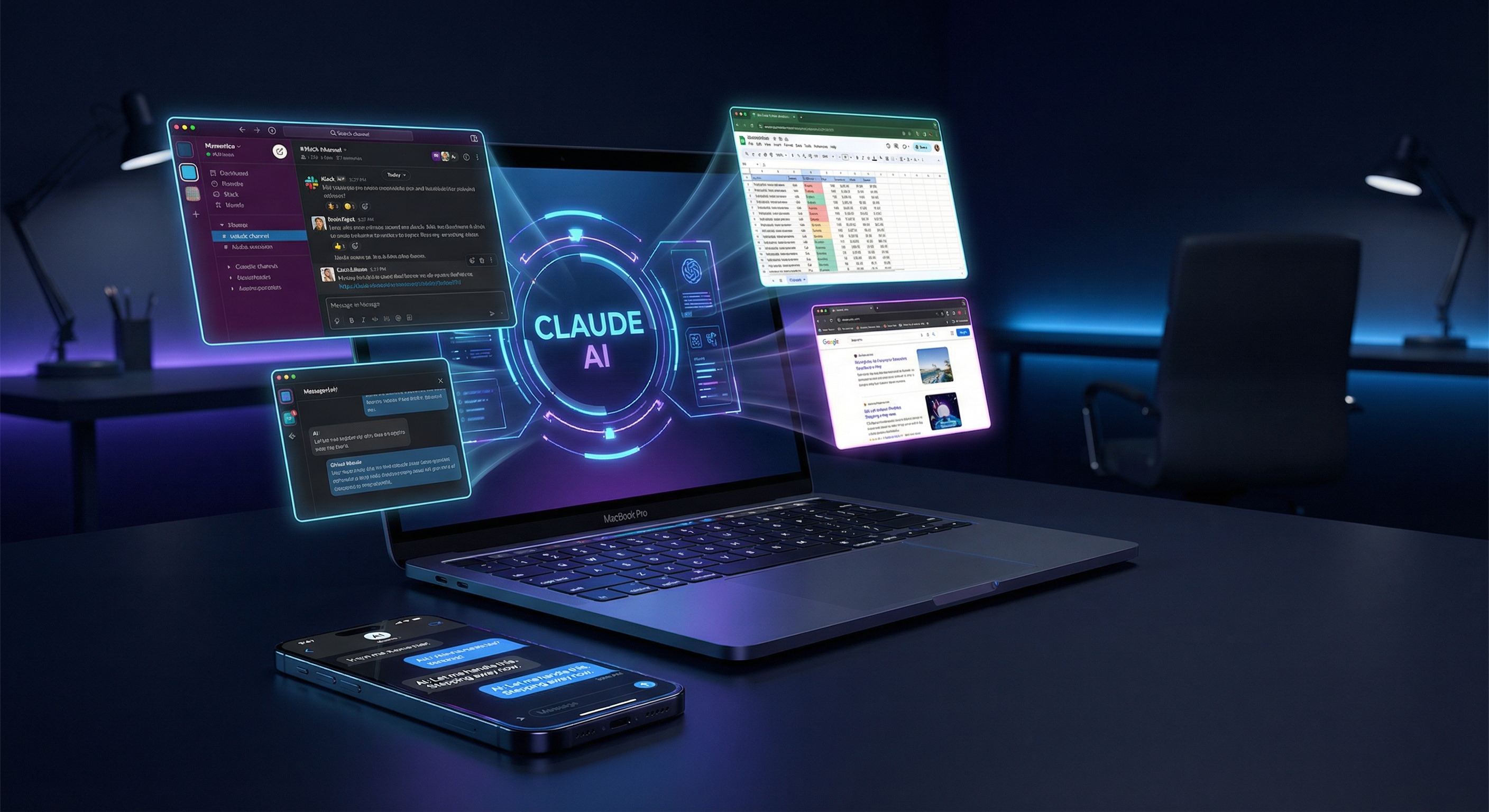
There’s a phrase Anthropic keeps repeating when they talk about Dispatch, their new agentic desktop product: finished work.
Not a briefing. Not a summary to review. Not a draft that needs your edits. Finished work. The kind that was blocking you, then wasn’t, because Claude handled it while you were in a meeting, on a flight, or — and this is the paradigm they’re selling — just texting from your phone.
That framing distinction matters more than the feature list. It’s the difference between AI as a productivity multiplier (still in your workflow) and AI as a workflow executor (operating autonomously while you’re away). Dispatch is betting on the latter.
After analyzing Nate B Jones’s detailed walkthrough, cross-referencing Anthropic’s own framing, and looking at how it compares to the broader computer-use agent landscape, here’s what you actually need to know about Anthropic Dispatch in 2026.
What Is Anthropic Dispatch?
Dispatch is Anthropic’s consumer-facing agentic product that pairs two capabilities into a single coherent workflow:
- Desktop Computer Use — Claude takes over your Mac (or PC), sees your screen, opens applications, navigates UIs, fills forms, and executes multi-step tasks exactly as a human would — without any API integrations required
- Remote Task Delegation — You text Claude from your phone (or any remote interface), hand it a task, and walk away. Claude works on your actual desktop environment until it’s done
The key word in that second point is actual desktop. Dispatch isn’t running in a cloud VM. It’s operating in your local desktop environment, with access to every app you have installed, every file on your disk, every tool in your workflow — no API credentials, no webhooks, no Zapier flows required.
This is fundamentally different from telling Claude to “search the web for X” or “draft me an email.” Dispatch means Claude opens your actual email client, finds the thread, drafts within your tool, and sends it (or stages it for your review). It means Claude opens your actual spreadsheet, makes the updates, formats the cells, and saves the file.
The Nate B Jones Analysis: Three Tools, One Paradigm
Nate B Jones covered Dispatch as part of a broader announcement — “Anthropic Just Gave You 3 Tools That Work While You’re Gone” — and his framing is the sharpest take I’ve seen on what Anthropic is actually building.
{% youtube 3e7gmNPr5Vo %}
His core insight: Anthropic shipped Dispatch as a pair with Computer Use updates not as separate products but as a single thesis. The thesis is asynchronous work delegation. You are not using Claude in a chat session while you watch it work. You are handing it a task and returning to find it done.
Nate walks through several real-world demonstrations:
- Technical debt clearing — Claude navigating a codebase across multiple files, identifying deprecated patterns, making fixes, running tests, and committing changes. All while the developer is in a standup.
- Document workflows — Claude pulling data from various sources, populating a spreadsheet, formatting a report, and exporting a final version — without touching a single API.
- Research and synthesis — Claude browsing multiple sites, collecting information, and producing a structured output in whatever tool you use (Notion, Google Docs, Word — doesn’t matter, it just opens them).
The “no API” angle deserves special emphasis. The biggest friction in enterprise automation has always been integrations. Your tools don’t talk to each other natively. Getting Salesforce to push to Notion requires a developer, a Zapier subscription, and maintenance when either platform changes their schema. Dispatch sidesteps this entirely by operating at the UI layer — the one interface every app exposes equally.
How Dispatch Differs From Basic Computer Use
Anthropic has had Computer Use in API beta since late 2024. So what’s new?
The API-level Computer Use product is powerful but requires significant setup. You need to run Claude in a sandboxed container, write tool-calling code, handle screenshot pipelines, and manage the agent loop yourself. It’s a developer primitive — incredibly flexible, but not something you hand to a non-technical user.
Dispatch is the consumer layer built on top of that primitive:
| Dimension | Computer Use API | Anthropic Dispatch |
|---|---|---|
| Setup | Docker container, API keys, custom code | Native desktop app install |
| Interface | Programmatic tool calls | Natural language via text/chat |
| Trigger | Your own orchestration code | Text from phone / any device |
| Environment | Sandboxed VM (recommended) | Your actual local desktop |
| Target user | Developers | Knowledge workers, professionals |
| Task model | Synchronous (you watch it work) | Asynchronous (you return to find it done) |
| Access model | API billing per token | Subscription product (pricing TBD) |
The asynchronous model is the real product innovation. The Computer Use API was always theoretically capable of doing everything Dispatch does. The missing piece was the user experience layer: a clean way to delegate from anywhere, trust the agent to complete multi-step work, and return to a finished result.
Real Use Cases: What “Finished Work” Actually Looks Like
Let’s get concrete about what Dispatch can and can’t do.
✅ Where Dispatch Shines
1. Cross-application data workflows
”Pull the Q1 pipeline numbers from Salesforce, update the board deck in Google Slides, and send me the updated file.” Three apps, zero APIs. This is the kind of task that previously required either a developer-built integration or a virtual assistant who can sit at your computer.
2. Research and competitive intelligence
”Browse these 8 competitor pricing pages, extract their tier structures, and put it in a comparison table in our Notion database.” The human version of this task takes 2 hours. Dispatch does it while you sleep.
3. Email and communication triage
”Go through my inbox, find all threads about the Henderson account, summarize the open action items, and draft response emails for each one.” Not “draft a response given this context” — actually navigate to your email client, find the threads, and produce staged replies.
4. Code maintenance tasks
”Find all places in the codebase that use the deprecated fetchUser API, replace them with the new pattern from the docs, run the tests, and push to a branch.” Software engineers will recognize this as exactly the kind of grunt work that burns half a day for no creative value.
5. Form-heavy administrative work
Government portals. Insurance claims. Benefits enrollment. Applications. The UI layer that no API will ever reach because it was never designed for automation. Dispatch handles it all because it navigates through a browser like a human.
⚠️ Where Dispatch Struggles
Long-horizon tasks with ambiguity
When a task requires judgment calls at multiple branch points, Dispatch can go down the wrong path and compound errors. Longer tasks increase the probability of a misstep that requires human course-correction.
Security-sensitive workflows
Dispatch running on your local machine has access to your credentials, your files, your authenticated sessions. Anthropic has built-in safeguards, but the attack surface is real. Don’t delegate tasks involving financial transactions without explicit confirmation steps.
Novel interfaces and dynamic UIs
Dispatch navigates by vision — it sees your screen and interprets it. Apps with non-standard UI patterns, heavy JavaScript, or modal workflows that behave inconsistently can confuse the agent.
Tasks requiring real-world knowledge freshness
Dispatch can browse the web, but for tasks that require very current information (stock prices, news events, live data), it’s still constrained by what Claude knows and can retrieve.
The “Finished Work” Paradigm: Why It Matters
Most AI productivity tools still operate in what I’d call the work-lands-on-your-desk model: the AI produces something — a draft, a summary, a code snippet, a research brief — and you pick it up from there.
This is useful. It compresses work. But it doesn’t eliminate the work. You still have to review the summary, edit the draft, integrate the code. The AI is a fast contributor, not an autonomous executor.
Dispatch is a serious attempt at the work-gets-off-your-desk model. The completed task is the output. Not a draft. Not a starting point. A closed loop.
The mental model shift this requires is significant. You have to develop trust in an agent enough to hand it a task and genuinely not hover. That trust is earned through:
- Verification checkpoints — Dispatch can be configured to pause and confirm before irreversible actions (sending emails, pushing code, submitting forms)
- Audit trails — A log of exactly what the agent did, when, and what the outcomes were
- Scope boundaries — You define what apps and data the agent can access
The “while you’re gone” framing Nate emphasizes isn’t just marketing. It’s a behavioral target. The product only delivers its full value when you trust it enough to actually walk away.
Social Signal: What The Community Is Saying
The developer community’s reaction to Anthropic’s recent agentic product push has been telling. Claude Code’s explosive growth — which shipped alongside Dispatch — has generated a wave of prosumer adoption that’s hard to ignore.
The Claude Code signal is relevant because it’s the same underlying thesis: autonomous execution, not assisted drafting. When Chase AI posted 5 Claude Code tutorials in 48 hours showing website cloning in 15 minutes, Obsidian integration, and animated site generation — that wasn’t developer content. That was prosumer builders discovering a new default for “build anything fast.” Dispatch is that same energy applied to knowledge work.
{% youtube i-jawzwnjSA %}
The @_akhaliq signal on Claude Code using HuggingFace papers CLI for automated research points to the same direction: the tools are increasingly capable of closing loops autonomously, not just assisting.
Dispatch vs. The Alternatives
vs. Open Interpreter
Open Interpreter is the open-source answer to the computer-use category. It runs locally, is model-agnostic, and can execute code, browse the web, and control your desktop. For developers who want full control and don’t mind setup friction, it’s a serious option.
Where Dispatch wins: Polish, reliability, the consumer-grade experience, and the asynchronous mobile delegation model. Dispatch has Anthropic’s safety infrastructure behind it.
Where Open Interpreter wins: Cost (free), privacy (fully local), flexibility (bring your own model), and no vendor lock-in.
Verdict: Different markets. Dispatch for professionals who want something that works out of the box. Open Interpreter for developers who want to build on top of it.
vs. Claude Computer Use API
The API is what Dispatch is built on. If you’re a developer building a product or workflow that needs computer-use capabilities, the API is more flexible. If you’re an individual professional who wants to delegate tasks, Dispatch is the right interface.
vs. OpenAI Operator / ChatGPT Agent
OpenAI’s agent mode uses a remote cloud browser rather than your local desktop. This is safer in some ways (no access to your local files) but significantly limits what it can do — it can’t access desktop applications, local files, or authenticated sessions. For browser-only tasks, Operator is a strong alternative. For anything that requires your actual desktop environment, Dispatch wins on scope.
vs. Perplexity Computer
Perplexity Computer’s model-routing architecture is architecturally interesting — it uses the best model for each subtask rather than routing everything through a single model. But it shares Operator’s limitation: it’s browser-focused and cloud-based, not local-desktop-native.
Matthew Berman’s S-Tier Signal
It’s worth noting the broader context Dispatch launched into. Matthew Berman’s recent model tier list placed Claude at S-tier — “unbelievable model, good at everything, love every interaction” — while ChatGPT landed at A (“all the features, not best in class at anything”).
{% youtube 3M7jTPLf86w %}
That underlying model quality matters enormously for computer-use agents. The agent loop is only as good as the model’s reasoning when it hits an unexpected state. Claude’s strength at nuanced reasoning and instruction-following is precisely what makes a computer-use product reliable enough for the “walk away and trust it” use case.
A mediocre model doing computer use is a liability — it’ll take wrong turns, compound errors, and produce a mess you have to clean up. A genuinely S-tier model doing computer use is a different product category.
Honest Limitations and Open Questions
The compound knowledge question — Dispatch mentions “compound knowledge building over time” as a feature. Does it actually maintain persistent context about your workflows, preferences, and recurring tasks? Or is each session fresh? The answer matters enormously for the long-term value proposition.
Pricing — Not publicly confirmed at time of writing. The pricing model will determine whether this is accessible to individual professionals or enterprise-only. The comparison to hiring a human assistant is the right frame — if Dispatch can do 70% of what an EA does at 5% of the cost, it’s a no-brainer.
Local machine security — Running an AI agent with access to your authenticated desktop sessions requires a threat model. Anthropic has prompt injection classifiers and sandboxing recommendations, but this is an area that deserves transparency from Anthropic as the product matures.
Task complexity ceiling — The demonstrations are impressive. The question is how it performs on the 80th-percentile-complexity task — not the clean demo scenario, but the messy, edge-case-heavy workflow that’s actually blocking you. That’s where the product will be won or lost.
The Bottom Line
Anthropic Dispatch is the most serious attempt yet to move AI assistance from “work that lands on your desk” to “work that never reaches your desk.” The combination of local desktop access, vision-based UI navigation, and mobile delegation creates a product category that genuinely didn’t exist two years ago.
The “finished work” framing is aspirational — and appropriately honest about the product’s ambition. When it works, the productivity unlock is real: tasks that would have consumed hours of your time get completed while you’re in meetings, traveling, or sleeping.
The limitations are real too. This is a product at the beginning of a trust-building journey. You’ll want to start with low-stakes tasks, verify outcomes carefully, and gradually expand the scope of what you delegate as you develop confidence in the agent’s judgment.
But the direction is clear. The question was never whether this kind of autonomous desktop agent would arrive. The question was who would be the first to get the consumer experience right.
Anthropic just made a strong argument that the answer is them.
Sources: Nate B Jones — Anthropic Just Gave You 3 Tools That Work While You’re Gone · Anthropic Dispatch product announcement · Claude Code community coverage · Matthew Berman — Best Models Tier List · Chase AI Claude Code tutorials
Stay in the loop
Stay updated with the latest AI agents and industry news.